01 / CREATELet the reveal
Let the reveal
do the talking.
Make a before & after video with a transition
that brings your two photos together.
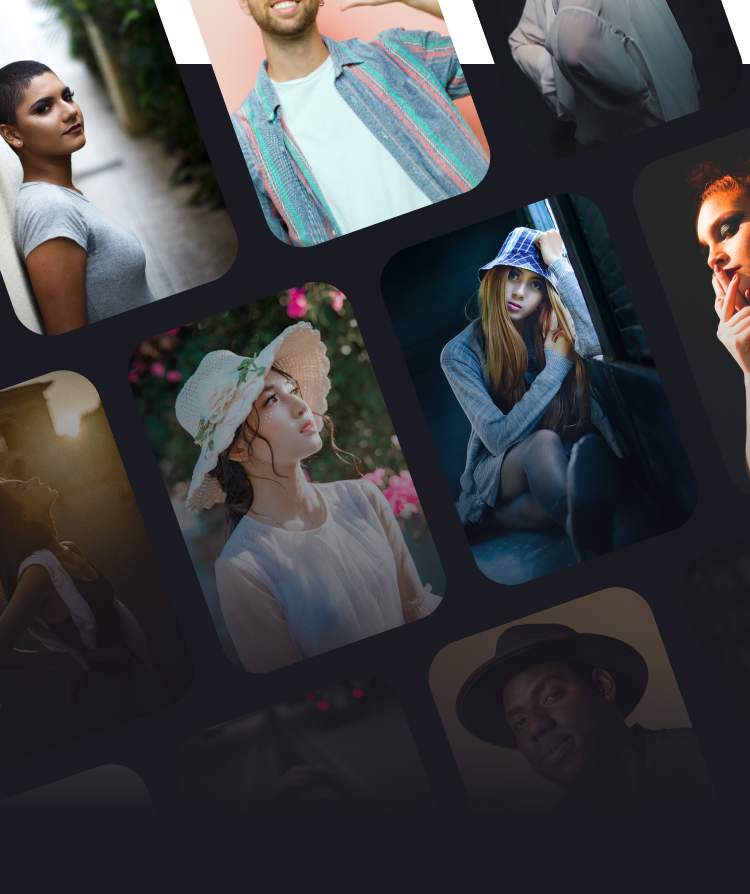
TWO MOMENTS. ONE GREAT STORY.
From the first frame to the final reveal. Turn your before & after photos into videos and collages worth sharing.
Download on theApp StoreMade for iPhone · In-app purchases available
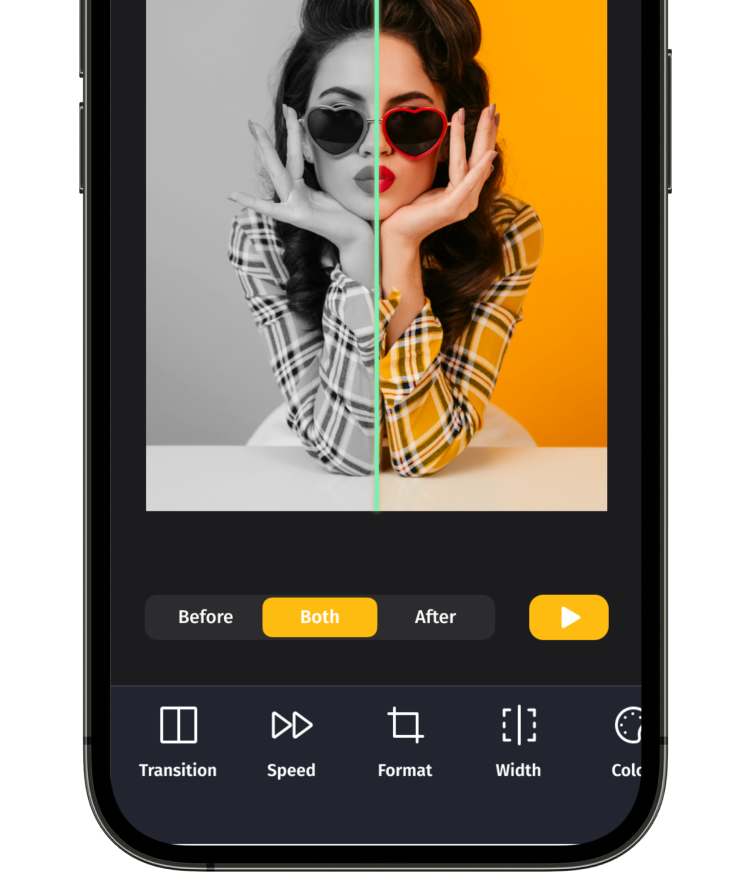 a little before.a lot of after.YOUR PHOTOS. A NEW PERSPECTIVE.
A SMALL EDIT. A BIG DIFFERENCE.
Show the progress. Celebrate the makeover.
Give every transformation its moment.
Make a before & after video with a transition
that brings your two photos together.
Adjust the animation, speed, line width
and color to make the result feel like you.
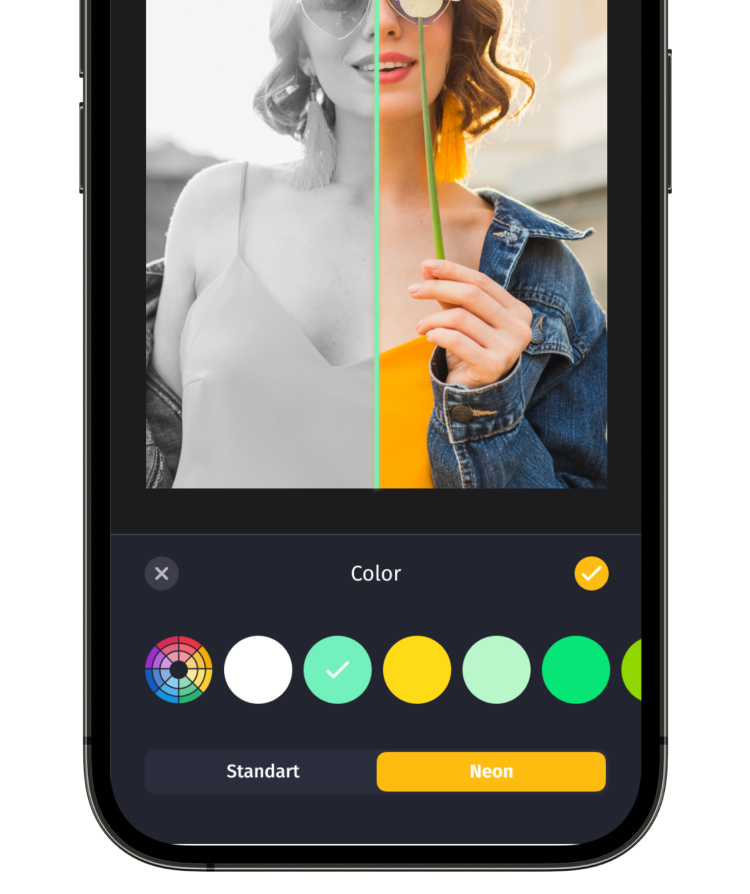
Fine-tune your transition speed.
Choose music for your video.
Save and share your finished creation.
MEET YOUR NEXT CREATIVE SIDE
FACE SWAPTake your creativity beyond the before & after. Swap one or several faces in photos and videos, or start with a ready-made template — right inside BeforeAfter.
a little imagination.THERE’S MORE TO THE PICTURE
Sometimes the smallest shift tells the biggest story. Try this color reveal, then create your own with your photos in the app.
Interactive website demo · Original / Color study← Drag to explore the difference →
FROM YOUR CAMERA ROLL TO YOUR NEXT POST
Choose your before and after photos. A makeover, a creative edit, a moment of progress — it starts with you.
Create a video or collage. Find your transition, adjust the details, and add music to your video.
Save your creation to your gallery and share your story on your favorite social platforms.
A FEW GOOD QUESTIONS
EVERY CHANGE DESERVES A REVEAL
For iPhone. Some features require in-app purchases.